What is CLI-Anything? Agent CLIs and what CLI-Hub installs
TL;DR
- CLI-Anything is a plugin for Claude Code and other agents. It has the AI agent read a program's source code and generate a Python CLI that returns results as JSON, plus a SKILL.md explaining how to use it. Rendering and export are left to the real software
- Ready-made CLIs are distributed through CLI-Hub. The repository's list has 79 of them, and 73 install straight from GitHub repositories without a pinned version
- By default, CLI-Hub sends the command you ran and whether an agent called it to PostHog, tagged with a per-machine ID. Setting the environment variable CLI_HUB_NO_ANALYTICS=1 turns this off
Contents (5)
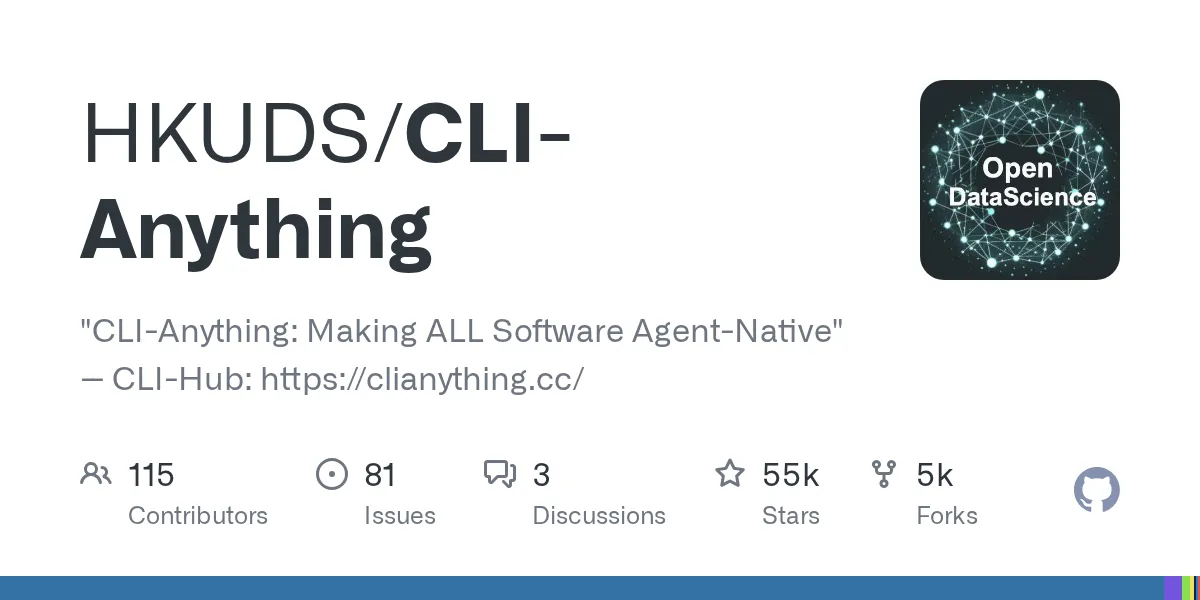
HKUDS/CLI-Anything showed up on GitHub Trending. Its pitch is to make any software usable by AI agents: it builds CLIs so an agent can drive GIMP, Blender, or LibreOffice through commands. That is the opposite of a GUI agent, which takes screenshots and clicks on coordinates. I read the repository’s code to see what it generates and what actually runs on your machine once you install it.
What CLI-Anything is
The first commit landed on March 8, 2026, and the license is Apache 2.0. According to an OSS Insight tally, the repository had 25,219 stars by March 31, 23 days after launch. In June, the authors posted a technical report on arXiv.
The report says that finding elements in screenshots and clicking them breaks easily when the screen changes or takes time to render. Its argument is that AI agents should not read interfaces built for humans. They should operate software through commands and get state and results back in a fixed format.
There are two ways to use it. For software that already has a CLI, you find and install it with the package manager “CLI-Hub.” For software that doesn’t, you install the plugin in Claude Code, Codex, or a similar agent and have it generate a CLI from that software’s source code.
What the generated CLI contains
The procedure document, HARNESS.md, splits the work into 7 phases, from analyzing the source code to packaging for PyPI. Along the way come a test plan, the implementation, and a record of the results, and after phase 6 the agent also generates a SKILL.md that explains usage for agents. To start in Claude Code, you add the marketplace, install the plugin, and run /cli-anything <source path or GitHub URL>. According to the command description, a software name alone is not accepted; it needs the source code.
/plugin marketplace add HKUDS/CLI-Anything
/plugin install cli-anything
/cli-anything ./gimp
The output is a command named cli-anything-<software>, written with Python’s Click. Run it with no arguments and it opens an interactive REPL; you can also run subcommands one at a time. Every command takes --json, so the agent can get results as JSON.
Of the rules HARNESS.md treats as non-negotiable, the biggest is that rendering and export are left to the real software. The CLI assembles files in the software’s own formats, such as ODF, SVG, or MLT XML, and calls the real software to export to PDF or images. For example, the LibreOffice CLI builds documents as ODF and converts them to PDF or DOCX with libreoffice --headless --convert-to. If the software isn’t installed, the rule is to stop with an error rather than fall back to a substitute library, and the tests also fail without the real software. In other words, to use the GIMP CLI, you need GIMP itself installed.
Checking the exported output has rules too: an exit code of 0 does not count as success. The document asks for checks of the leading bytes of a PDF, the brightness of specific frames in a video, and even the volume at the start and end of an audio file. HARNESS.md gives the reason: for an agent to fix its own mistakes, it needs clear errors.
The “Limitations” section of the README says generating a CLI requires a top-tier model such as Claude Opus 4.6 or GPT-5.4, and that smaller models tend to produce incomplete CLIs. It also says quality drops sharply for software with no source code, only binaries, and that one generation pass won’t cover every feature, so you are expected to keep adding coverage with /cli-anything:refine.
The CLIs distributed through CLI-Hub
Ready-made CLIs are found with the cli-hub command, installed from the PyPI package cli-anything-hub (0.4.1 as of October 18). You search with cli-hub search image and install with cli-hub install gimp. There is also a skill, cli-hub-meta-skill, that lets an agent do the searching.
The repository’s registry.json lists 79 CLIs built the CLI-Anything way. By category, AI is the largest with 8, followed by DevOps, Web, Video, and Graphics (GPU debugging and 3D analysis) with 6 each. Beyond creative tools like GIMP and Blender, there are wrappers around web APIs such as Zoom and JumpServer, and even games like Slay the Spire II. A separate public_registry.json lists 24 CLIs from other developers, such as the official Lark (Feishu) CLI, and 11 of them install through npm.
The test results table in the README says 2,464 tests passed in total across 30 CLIs. These numbers are self-reported by the developers, and the count per CLI ranges from 10 to 208.
What CLI-Hub sends, and how it installs
The CLI-Hub README says it sends anonymous usage events. Reading the code, the default destination is PostHog, and every run of cli-hub sends the following:
- The name of the subcommand you ran, and the OS type
- Whether an agent called it. This is inferred from environment variables such as
CLAUDE_CODEandCODEX, the parent process name (claude, codex, cursor, and so on), and whether standard input is a terminal. Calls from CI or scripts are counted as agents - A random per-machine ID, created on first run and stored in
~/.cli-hub/ - For
install,uninstall, andlaunch, the name of the target CLI. For searches such ascli-hub can, the first 120 characters of the search terms you typed
It doesn’t send the contents of your files, but your usage accumulates under the same ID. You can turn sending off with the environment variable CLI_HUB_NO_ANALYTICS=1, so on work machines or in CI it seems wise to set that first.
The install mechanics are worth a look as well. Of the 79 CLIs in registry.json, 66 install directly from this repository’s main branch, in the form pip install git+https://github.com/HKUDS/CLI-Anything.git#subdirectory=.... The other 7 install the same way from other authors’ GitHub repositories. Neither pins a version, so the same cli-hub install can pull different code depending on the day you run it. The list itself is fetched from hkuds.github.io, and the local copy is considered stale after 1 hour. installer.py runs an install command through the shell if it contains | or &&, and a comment there notes that the commands come from a trusted registry. If the list were tampered with, that command would run on your machine. On work machines, skipping cli-hub and running pip install on just the CLIs you need, pinned to a specific commit, looks like the better way to keep track of what got installed.
The developers themselves treat agents composing their own commands as a risk. SECURITY.md assumes no human checks each line, and describes a scenario where an agent hit by prompt injection passes crafted arguments to the software. As countermeasures, it requires CLI authors to avoid shell=True in subprocess, check codec names against an allowlist, and normalize output paths. Since new CLIs arrive through community pull requests, it seems wise to check in the code that a CLI follows these rules before you install it.
Related articles
For examples of skills that hand procedures to agents, see my article on Google’s skills catalog. CLI-Anything differs in that, on top of a skill’s SKILL.md, it distributes the commands that operate the software. How to measure usability for agents is covered in the Agent Experience article.
Related notes
AI
google/skills: what Google's 158 official agent skills cover
A walk through the 158 skills in google/skills, the Agent Skills library Google publishes on GitHub: what they can do, how to install them, and what to check first.
6 min
AI
What is Agent Experience (AX)? Measuring AI agent usability
Microsoft's AX definition and its SharePoint Framework measurements: how to gauge usability for AI agents, and where teams using Claude Code or GitHub Copilot can start.
8 min
AI
How far Anthropic vets Claude Code's 315 official plugins
I read the 315 plugins in claude-plugins-official, Claude Code's default catalog, and how Anthropic reviews them. Hooks run outside the sandbox; token estimates skip hook costs.
6 min